TONEX Editor Cleaner
TONEX Cleaner - a preset de-duplicator for TONEX Editor
A feature is missing in TONEX Editor
What feature is missing?
TONEX Editor is a very powerful tool, but it has a small flaw: every time you move a preset from your TONEX Pedal to the library, it creates a duplicate, renamed PresetName_01, then _02, and so on. In the end, you get completely lost, and there is no option to keep only the latest version of a preset.
So I wrote a small piece of Python code to address three needs:
- Simple: delete a preset
- Almost simple: rename a preset (yes, it can also be done in TONEX Editor, but this way is much faster)
- Bold: delete all
_01,_02, etc. Actually, it does even better than that…
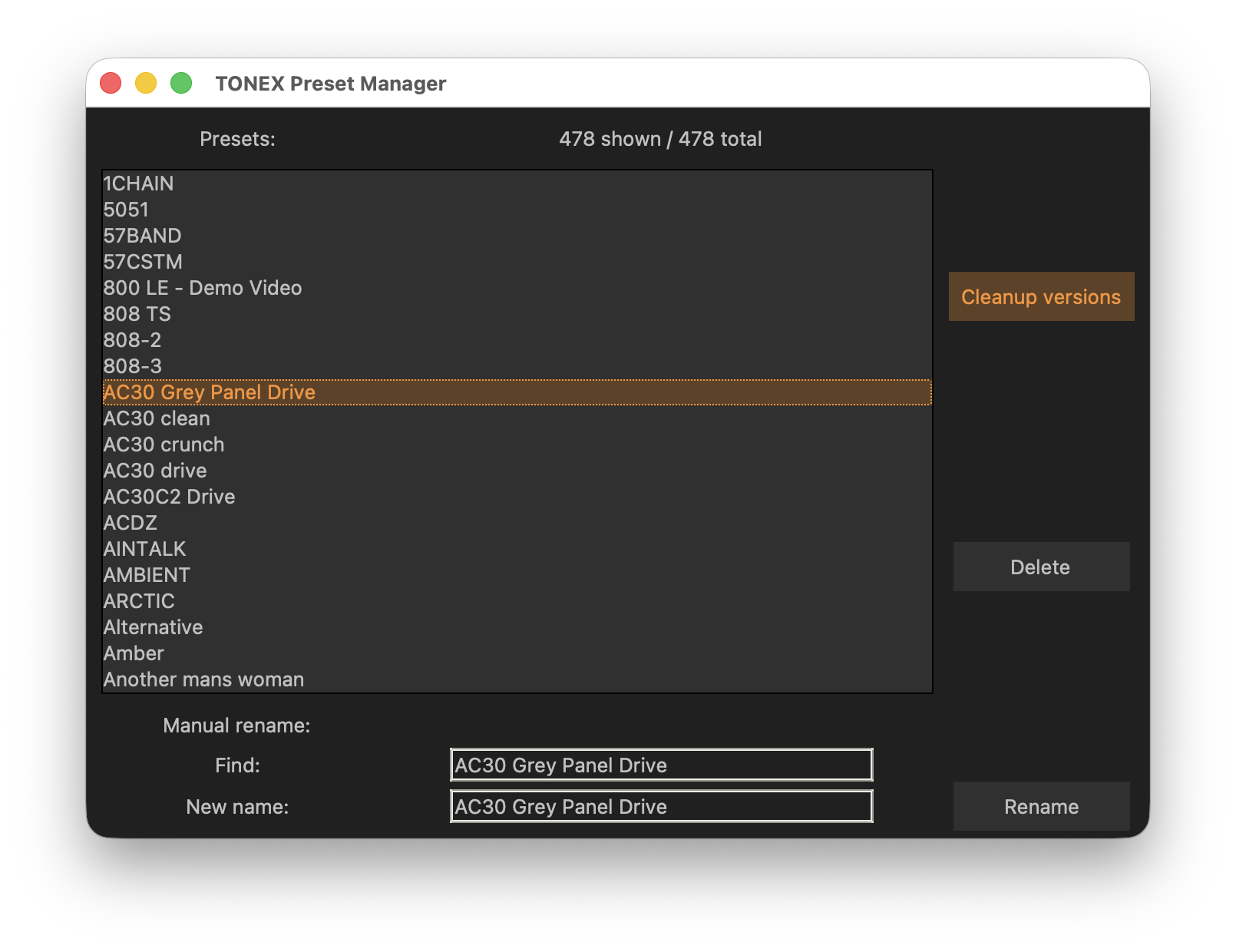
In detail
Let’s say you have a preset named PresetName, and three duplicates: PresetName_01, PresetName_02, PresetName_03.
The cleanup function will do the following:
PresetName→ deletedPresetName_01→ deletedPresetName_02→ deletedPresetName_03→ renamed toPresetName
This way, you keep only the latest version of the preset.
Installation and usage
You must have Python 3 installed on your computer.
From my GitHub page, download the three Python files:
tonex_actions.pyTONEX_Cleaner.pytonex_gui.py
Then, using a command-line tool (Terminal or PowerShell), navigate to the TONEX library directory (the one containing Library.db).
From there, launch the TONEX_Cleaner application:
python3 (path to the python files)/TONEX_Cleaner.py
Want a shortcut on your desktop or in your launcher bar? Ask your favorite GPT—it will help you 😉
More information and files to download are available on my GitHub page.
Disclaimer
Use at your own risk: this is a direct manipulation of the TONEX Editor library (Library.db), so it might break things (or maybe not).
In any case, back up your library first (backup functionality is available in TONEX Editor).